
OCRFire · Private PDF and OCR tools
PDF and OCR tools that never see your files.
OCRFire is a free suite of PDF, OCR and conversion tools that runs entirely in your browser. Your files never touch a server.
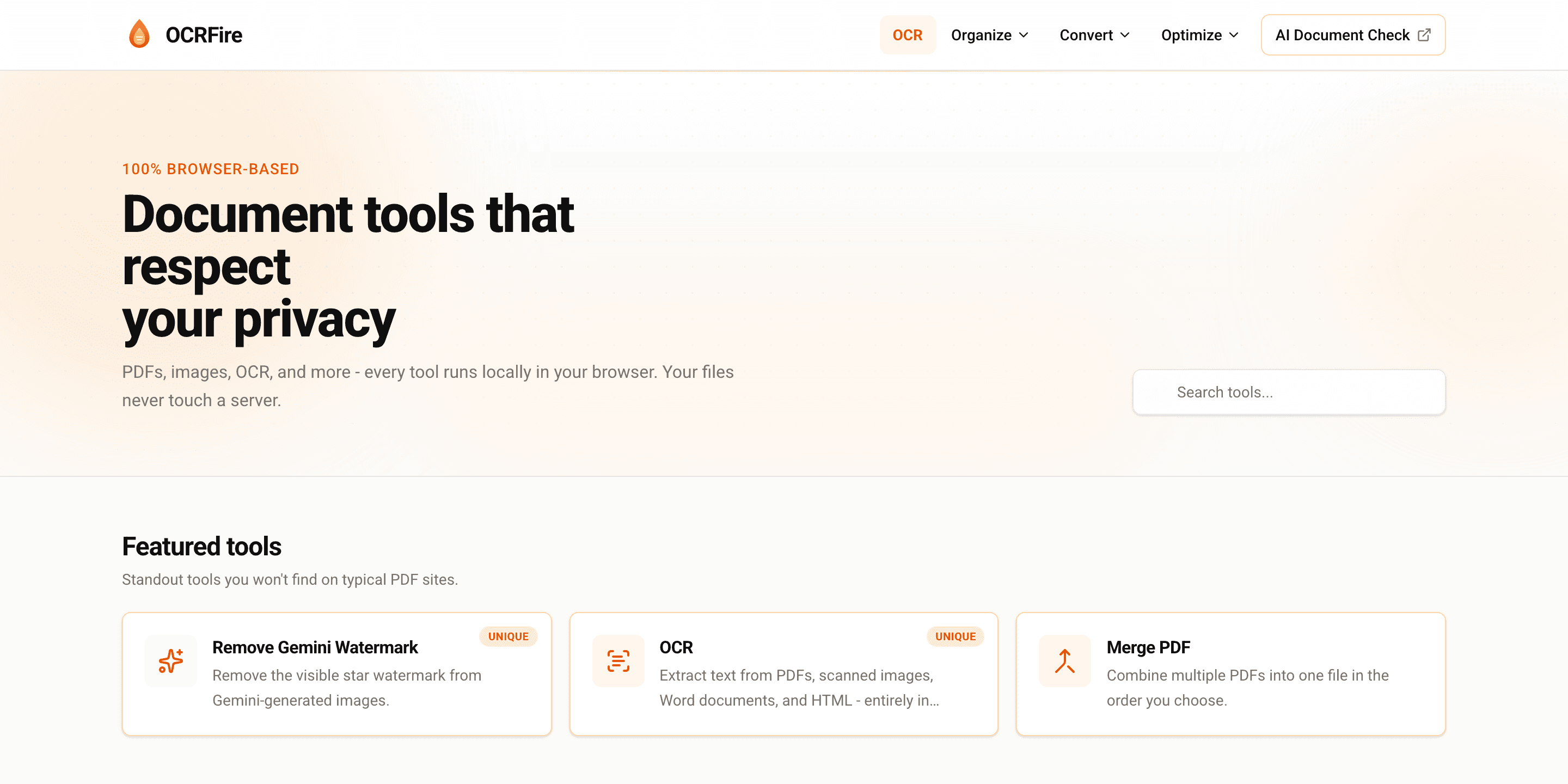
- PDF, OCR and conversion tools
- 25+
- files uploaded to any server
- 0
- no account, no daily limits
- Free
The problem
Everyday PDF tools quietly take a copy of your files.
Merging a contract or extracting text from a scan sounds harmless. But most online PDF tools upload the file to their servers to do it, and many cap free use or push you towards a subscription.
Sensitive files on someone else's server
Contracts, payslips and medical letters are uploaded to a third party you have never reviewed, just to rotate a page.
Scans you cannot search
Scanned PDFs and photos lock text inside images, so it cannot be searched, copied or reused.
Paywalls and daily limits
Free tiers stop after a few tasks, and simple jobs end up behind an account and a card.
Why we care
Privacy should be the default, not a premium feature.
Most people never think about where a file goes when they drop it into a web tool. Security teams do, and they are right to.
We built OCRFire to prove a simple point: everyday document work does not need a server at all. If the processing happens on your own device, there is nothing to leak, retain or review.
How we solved it
We moved the whole toolkit into the browser.
OCRFire runs on JavaScript and WebAssembly inside your browser tab. Text recognition, PDF editing and file conversion all happen in your device's memory, and disappear when you close the tab.
01
OCR on your device
Extract text from scanned PDFs, images and Word documents, and make scans searchable, without sending a single page anywhere.
02
A complete PDF toolkit
Merge, split, compress, rotate, crop, watermark, protect and repair PDFs, and convert to and from Word, Excel and images.
03
No account, no tracking
No sign-up, no cookies and no analytics. Open a tool, drop a file, download the result.
How it works
Three steps, no setup.
01
Open a tool
Pick from more than 25 PDF, OCR and conversion tools. No account needed.
02
Drop in your file
It is processed in your browser's memory, on your device.
03
Download the result
Close the tab and the file is gone. Nothing is kept anywhere.
Privacy
Your files never leave your device.
Every tool runs locally in your browser. Files exist only in your device's memory while you work.
How we handle data →- Nothing uploaded, stored or sent to a server
- No accounts, cookies or analytics
- Files cleared the moment you close the tab
Who it is for
Built for teams that cannot afford to guess.
Legal and finance teams
Handle contracts and statements without adding another vendor to your data map.
Healthcare and HR
Work with patient letters and employee records that should never be uploaded.
Anyone with a scan
Turn photos and scanned pages into searchable, copyable text in seconds.
OCRFire questions
Is OCRFire really free?
Yes. There are no paid tiers, per-file charges or daily limits, and no credit card is ever needed.
How is it different from Smallpdf, iLovePDF or Adobe Acrobat Online?
Those services upload your files to their servers and limit free use. OCRFire processes everything in your browser, with no upload, no account and no cost.
Is there a file size limit?
There is no enforced limit. Because processing is local, the ceiling is your device's memory. Files of several hundred megabytes work on a modern computer.
Need more than the product?
We build it into your workflow.
OCRFire is one example of what we engineer. If you need it connected to your systems, or running inside your own infrastructure, our team designs, builds and operates it for you.
How an engagement works →